
Automation And Generative AI Tools: The Best Solutions Transforming Work and Business in 2026
Introduction: The Rise of Automation and Generative AI
Technology is changing how businesses operate, how professionals work, and how organizations compete. Tasks that once required hours of manual effort can now be completed in minutes with the help of artificial intelligence (AI) and automation software.
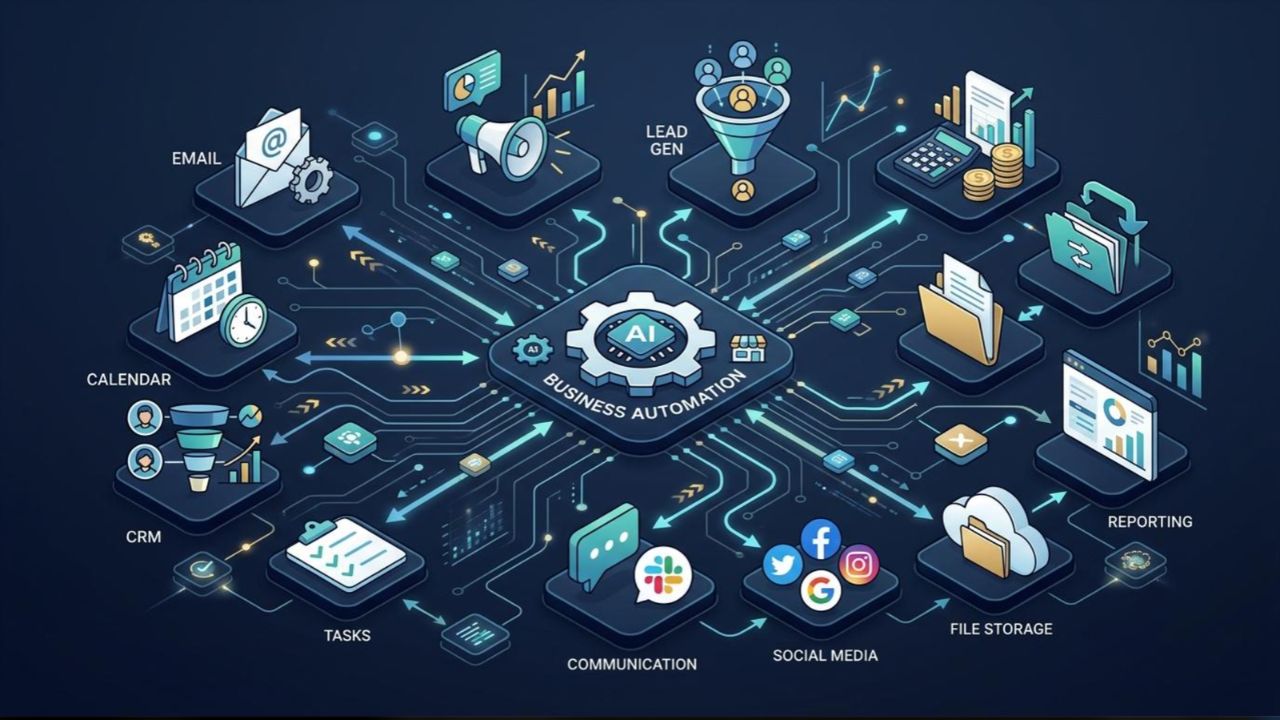
From generating marketing content and designing graphics to managing customer inquiries, analyzing business data, and connecting different applications, Automation and Generative AI Tools are becoming essential resources for modern businesses.
In 2026, AI is no longer limited to answering questions or generating text. Businesses are increasingly using AI-powered agents and automated workflows that can understand instructions, process information, interact with applications, and complete multiple steps with less manual involvement.
For startups, freelancers, established companies, and digital marketers, these technologies offer opportunities to reduce repetitive work, improve efficiency, and focus more on strategic activities.
But which tools are worth exploring? How do automation platforms differ from generative AI applications? And how can businesses combine them to achieve better results?
This guide explores 15 popular automation and generative AI tools, their practical applications, benefits, limitations, and how businesses can use them effectively.

1. What Are Automation and Generative AI Tools?
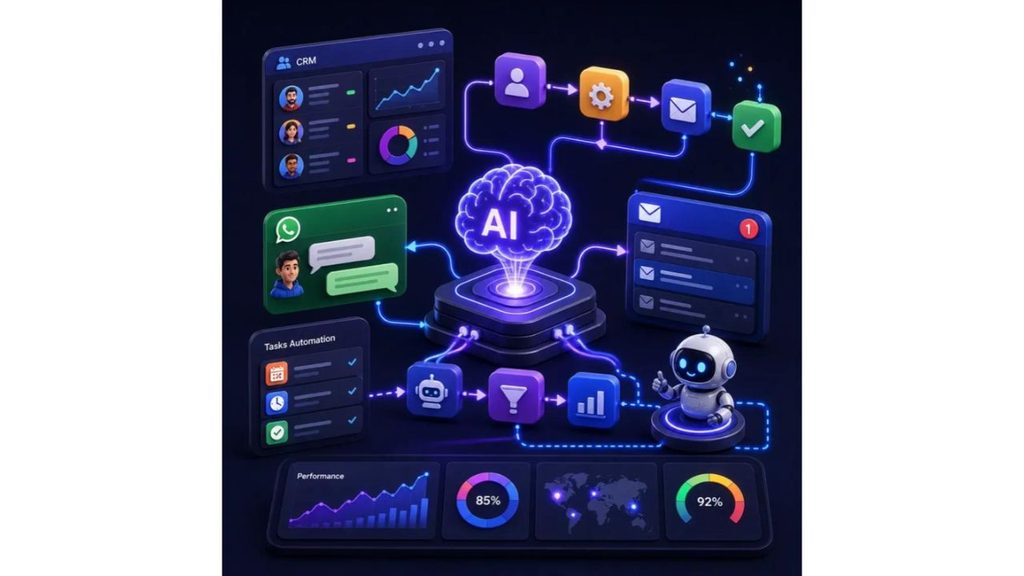
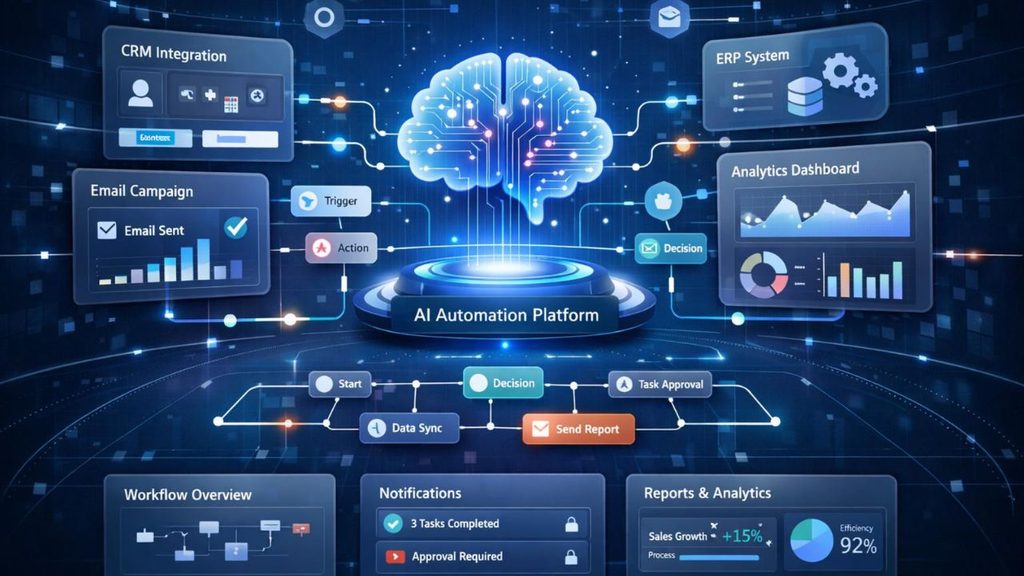
Although automation and generative AI are closely connected, they perform different functions.
Understanding Automation Tools
Automation tools are software applications designed to execute repetitive tasks with minimal human intervention.
For example, when someone submits a contact form on a website, an automation system can:
- Save the information in a database.
- Send an automatic confirmation email.
- Notify the sales department.
- Create a new customer record in a CRM.
- Assign a follow-up task to a sales representative.
Instead of performing these activities manually, businesses can establish workflows that execute automatically whenever specific conditions are met.
Understanding Generative AI Tools
Generative AI tools use artificial intelligence models to create new content, analyze information, and produce responses based on user instructions.
They can generate:
- Blog articles and website content.
- Marketing emails and social media captions.
- Images, illustrations, and videos.
- Computer code and technical documentation.
- Business reports and presentations.
- Product descriptions and creative concepts.
Unlike traditional automation, which primarily follows predefined instructions, generative AI can work with language, images, and other information to produce new outputs.
Why Combining Both Technologies Matters
The biggest opportunity comes from combining automation with generative AI.
Consider an eCommerce business receiving hundreds of customer inquiries.
A traditional automation system can identify incoming messages and route them to the appropriate department. Generative AI can then understand the customer’s question, prepare a relevant response, and classify the inquiry.
Together, these technologies can create a more intelligent customer service workflow.
2. 15 Best Automation and Generative AI Tools in 2026
The following tools cover different business needs, including workflow automation, content creation, marketing, software development, customer support, and productivity.
1. ChatGPT – An All-Round Generative AI Assistant
ChatGPT is one of the most widely recognized generative AI platforms for individuals and businesses.
It helps users generate content, analyze information, brainstorm ideas, write code, summarize documents, and solve problems through natural-language instructions.
Key features:
- AI-powered writing and content generation.
- Data analysis and document assistance.
- Coding and technical problem-solving.
- Image generation and visual assistance.
- Research and information organization.
- Connected tools and agent-based workflows, depending on the plan and availability.
Business applications:
Marketing teams can use ChatGPT to develop campaign ideas, create advertising copy, prepare blog outlines, and generate customer communication templates.
Business owners can also use it to analyze reports, organize business strategies, and develop standard operating procedures.
Best for: Entrepreneurs, marketers, writers, developers, and business professionals.
Website: https://chatgpt.com/
2. Zapier – Connecting Applications Through Automation
Zapier is a popular workflow automation platform that connects different applications without requiring extensive programming knowledge.
It allows users to create automated workflows called Zaps.
For example, a business can connect its website contact form to Google Sheets, Gmail, Slack, and a CRM platform.
When a new customer submits an inquiry, Zapier can automatically transfer the information between these applications.
Key features:
- Integration with thousands of applications.
- Trigger-based workflow automation.
- AI-powered workflow capabilities.
- Automated notifications and data transfers.
- Multi-step business processes.
- Connections with AI assistants and agents.
Business applications:
Digital marketing agencies can use Zapier to collect leads, organize customer information, distribute notifications, and automate follow-up processes.
Best for: Small businesses, marketing agencies, sales teams, and professionals who want to automate everyday tasks.
Website: https://zapier.com/
3. Make – Visual Workflow Automation
Make, formerly known as Integromat, is a visual automation platform that helps users connect applications and create complex workflows.
Its visual interface allows users to design automation scenarios by connecting different modules.
For example, a content marketing workflow could:
- Detect a new blog article.
- Send the article to an AI model.
- Generate social media captions.
- Organize the captions in a spreadsheet.
- Notify the marketing team.
- Send approved content to a publishing platform.
Key features:
- Visual workflow builder.
- Conditional automation.
- Multiple application integrations.
- Data transformation.
- AI-powered workflow scenarios.
- Scheduling and webhook support.
Business applications:
Businesses can use Make to automate content distribution, customer onboarding, reporting, and data management.
Best for: Marketing professionals, agencies, startups, and businesses with multi-step automation requirements.
Website: https://www.make.com/
4. n8n – Flexible Automation for Technical Teams
n8n is a powerful workflow automation platform that offers flexibility for developers and technically capable business teams.
It allows users to build workflows by connecting different services, APIs, databases, and AI models.
One important advantage is its self-hosting option, which provides greater control over infrastructure and data management.
Key features:
- Visual workflow automation.
- AI agent integrations.
- API and webhook connections.
- Custom JavaScript and Python capabilities.
- Self-hosting options.
- Advanced workflow logic.
Business applications:
IT companies can use n8n to automate server monitoring notifications, website lead management, customer support processes, and internal reporting.
For example, a hosting company could build an automated workflow that receives server alerts, analyzes the notification using an AI model, and sends an appropriate message to its technical team.
Best for: Developers, IT companies, technical entrepreneurs, and businesses requiring customized automation.
Website: https://n8n.io/
5. Claude – AI for Writing, Analysis, and Complex Tasks
Claude, developed by Anthropic, is a generative AI assistant designed for writing, reasoning, document analysis, and software development.
It is particularly useful when working with lengthy documents, detailed instructions, and complex written material.
Key features:
- Natural-language content generation.
- Document analysis and summarization.
- Coding assistance.
- Long-form writing support.
- Structured information processing.
- Integrations and agentic capabilities.
Business applications:
Companies can use Claude to review business documents, prepare proposals, summarize research, create internal documentation, and assist software development teams.
Best for: Writers, researchers, developers, consultants, and professionals working with complex information.
Website: https://claude.ai/
6. Google Gemini – AI Integrated with Google’s Ecosystem
Google Gemini is a generative AI platform that supports writing, research, image generation, coding, and information analysis.
Its integration with Google’s ecosystem makes it especially relevant for businesses that already use Google Workspace.
Key features:
- AI-assisted writing and research.
- Image generation capabilities.
- Document and information analysis.
- Coding assistance.
- Google ecosystem integrations.
- AI-powered productivity features.
Business applications:
Businesses can use Gemini to prepare documents, analyze information, organize ideas, and improve productivity across their existing Google-based workflows.
Best for: Google Workspace users, students, business professionals, and content creators.
Website: https://gemini.google.com/
7. Microsoft Power Automate – Business Process Automation
Microsoft Power Automate is designed to automate repetitive processes across business applications.
It integrates with Microsoft products such as Excel, Outlook, Teams, SharePoint, and other supported services.
Businesses can use it to automate document approvals, notifications, data collection, and administrative processes.
Key features:
- Cloud-based workflow automation.
- Desktop automation capabilities.
- Microsoft 365 integration.
- Approval workflows.
- AI-assisted automation.
- Business process management.
Business applications:
An HR department can automate employee onboarding by creating approval requests, sending welcome emails, organizing employee information, and notifying relevant departments.
Best for: Corporate organizations, administrative teams, and businesses using Microsoft 365.
Website: https://www.microsoft.com/power-platform/products/power-automate
8. Microsoft Copilot – AI Productivity Across Business Applications
Microsoft Copilot brings AI assistance into Microsoft’s productivity ecosystem.
It can help users draft documents, summarize meetings, analyze information, create presentations, and work with business data.
Key features:
- AI-assisted document creation.
- Email drafting and summarization.
- Spreadsheet assistance.
- Meeting summaries.
- Business information analysis.
- AI agent development through supported Microsoft tools.
Business applications:
Sales teams can use Copilot to summarize customer communications, prepare meeting notes, and organize follow-up activities.
Management teams can also use it to improve reporting and administrative productivity.
Best for: Organizations that rely on Microsoft Office, Teams, Outlook, and other Microsoft services.
Website: https://www.microsoft.com/microsoft-copilot
9. Canva AI – Creative Design and Marketing Automation
Canva has become a popular visual communication platform, particularly among marketers, entrepreneurs, and content creators.
Its AI-powered features help users create marketing graphics, presentations, social media content, and other visual materials.
Key features:
- AI-assisted graphic design.
- Text-to-image generation.
- Presentation creation.
- Social media design templates.
- Background editing.
- AI-powered writing and visual tools.
Business applications:
A digital marketing agency can use Canva to produce promotional flyers, social media graphics, presentation materials, and advertising concepts more efficiently.
However, professional review is still important to ensure visual consistency and brand accuracy.
Best for: Graphic designers, marketing agencies, entrepreneurs, and social media managers.
Website: https://www.canva.com/
10. Runway – AI-Powered Video Creation
Runway is an AI-powered creative platform focused on video generation and editing.
It helps creators experiment with AI-generated visuals, transform creative ideas into video content, and develop visual storytelling projects.
Key features:
- AI video generation.
- Image-to-video capabilities.
- Creative video editing.
- Visual effects.
- AI-assisted scene creation.
- Video transformation tools.
Business applications:
Marketing teams can use Runway to experiment with promotional video concepts, create visual assets, and produce creative content for digital campaigns.
It can be particularly useful when a campaign needs additional visual material without organizing a complete production shoot for every concept.
Best for: Video creators, advertising agencies, filmmakers, and social media marketers.
Website: https://runwayml.com/
11. ElevenLabs – AI Voice Generation
ElevenLabs is an AI voice technology platform that generates realistic synthetic speech and supports voice-related creative applications.
It is useful for creators and businesses that need professional voiceovers for digital content.
Key features:
- AI text-to-speech.
- Multilingual voice generation.
- Voice customization.
- Audio generation tools.
- Voice-related creative workflows.
- Speech and audio applications.
Business applications:
Content creators can use ElevenLabs to develop voiceovers for educational videos, product explainers, promotional videos, and narrated blog content.
Best for: Video creators, advertising agencies, educators, and digital publishers.
Website: https://elevenlabs.io/
12. Perplexity AI – AI-Powered Research and Discovery
Perplexity is an AI-powered research and answer platform that helps users explore topics and find information from online sources.
It is especially useful for people who need to research industries, discover trends, and identify supporting references.
Key features:
- AI-assisted web research.
- Source-linked answers.
- Topic exploration.
- Research summaries.
- Follow-up questions.
- Information discovery.
Business applications:
Marketing professionals can use Perplexity to research competitors, explore industry developments, discover customer trends, and gather background information before preparing campaigns.
Its answers should still be checked against original sources, especially when the information affects business decisions.
Best for: Researchers, marketers, students, consultants, and business analysts.
Website: https://www.perplexity.ai/
13. UiPath – Robotic Process Automation (RPA)
UiPath is an enterprise automation platform that helps organizations automate repetitive digital processes.
Robotic Process Automation uses software bots to interact with computer applications and perform tasks that would otherwise require manual operations.
Key features:
- Robotic process automation.
- Document processing.
- AI-powered automation.
- Business workflow orchestration.
- Application interaction.
- Enterprise process management.
Business applications:
Financial departments can automate invoice processing, document handling, data entry, and repetitive reporting activities.
Organizations can also use RPA to work with older software that does not provide convenient API integrations.
Best for: Large organizations, financial institutions, enterprise IT teams, and businesses with high-volume administrative processes.
Website: https://www.uipath.com/
14. Notion AI – Intelligent Knowledge and Project Management
Notion combines document management, knowledge organization, project planning, and collaboration.
Its AI features help users summarize information, generate written content, organize knowledge, and work with information stored in their workspace.
Key features:
- AI-assisted writing.
- Document summarization.
- Knowledge management.
- Project organization.
- Meeting notes and summaries.
- Workspace search and assistance.
Business applications:
A company can use Notion to organize its internal documentation, manage project information, prepare meeting summaries, and maintain standard operating procedures.
Best for: Startups, project managers, remote teams, and businesses that need organized documentation.
Website: https://www.notion.com/
15. Lindy – AI Agents for Everyday Business Tasks
Lindy is an AI assistant and agent platform designed to help users automate work-related tasks.
It focuses on workflows such as email management, meeting preparation, customer communication, and task coordination.
Key features:
- AI assistant workflows.
- Email organization.
- Meeting preparation.
- Automated follow-ups.
- Application integrations.
- AI-powered task execution.
Business applications:
A sales team can use an AI assistant to organize incoming inquiries, prepare customer summaries, draft follow-up messages, and support meeting coordination.
Human approval should remain in place for important external communications and sensitive actions.
Best for: Entrepreneurs, sales professionals, small businesses, and teams looking for AI-assisted administrative support.
Website: https://www.lindy.ai/
3. Automation Tools vs. Generative AI Tools: What’s the Difference?
Although these technologies often work together, understanding their differences helps businesses select the right software.
| Feature | Automation Tools | Generative AI Tools |
|---|---|---|
| Primary purpose | Execute repetitive workflows | Generate and analyze content |
| Operations | Follow defined rules | Interpret instructions and context |
| Examples | Zapier, Make, n8n | ChatGPT, Claude, Gemini |
| Main benefit | Reduce manual operations | Improve creative and analytical productivity |
| Typical tasks | Data transfer, notifications, approvals | Writing, research, coding, image creation |
| Human involvement | Setup and monitoring | Instructions, review, and validation |
The best approach: Use automation for predictable processes and generative AI for tasks requiring language understanding, content creation, and contextual analysis.
4. How Businesses Can Use Automation and Generative AI Together
The combination of these technologies can create practical opportunities across almost every industry.
Here are some examples.
A. Digital Marketing and Advertising
Marketing agencies handle multiple activities every day, including content creation, campaign planning, customer communication, and performance reporting.
AI and automation can help streamline these processes.
Potential workflow:
- Generate campaign ideas using ChatGPT.
- Create visual concepts using Canva AI.
- Produce video assets using Runway.
- Organize content in Notion.
- Connect approval and notification processes through Zapier or Make.
- Review campaign performance using analytics tools.
This approach can reduce repetitive work while allowing marketing teams to spend more time on strategy and creative direction.
B. eCommerce and Online Businesses
Online stores can use automation and AI to improve customer experiences.
Examples include:
- Generating product descriptions.
- Categorizing customer inquiries.
- Preparing personalized marketing emails.
- Organizing customer information.
- Automating order notifications.
- Producing product promotional content.
AI can help businesses process large amounts of customer information, while automation connects the different operational systems.
C. Customer Support and Communication
Customer support departments often receive similar questions repeatedly.
An AI-powered support system can classify incoming questions, retrieve relevant information, and prepare responses.
For example, when a customer asks about an order, an integrated workflow can identify the request, retrieve the relevant order information, and draft a response.
More sensitive cases can automatically be forwarded to human support representatives.
D. IT and Software Development
Technology companies can use AI and automation to improve software development and IT operations.
Practical applications include:
- Generating code suggestions.
- Reviewing technical documentation.
- Automating software testing.
- Monitoring system notifications.
- Managing support tickets.
- Creating technical reports.
Developers can use AI to accelerate development, but testing, security reviews, and human oversight remain essential.
E. Human Resources and Recruitment
HR departments can automate several administrative activities.
For example:
- Collect job applications through an online form.
- Organize applicant information in a database.
- Use AI to summarize application materials.
- Notify HR staff about new applications.
- Schedule interviews after approval.
- Generate interview preparation documents.
AI should support recruitment decisions rather than independently make sensitive hiring decisions.
5. Real-World Example: Building an Automated Content Marketing Workflow
One practical way to understand the value of automation and generative AI is through a content marketing workflow.
Imagine a business publishing articles, social media posts, and promotional videos every week.
Without automation, the marketing team must manually manage every stage.
An integrated workflow could look like this:
| Stage | Recommended Tool | Purpose |
|---|---|---|
| Topic research | Perplexity AI | Discover topics and supporting information |
| Content writing | ChatGPT or Claude | Prepare article drafts |
| Visual design | Canva AI | Create promotional graphics |
| Video creation | Runway | Develop video assets |
| Content organization | Notion | Manage the editorial calendar |
| Workflow automation | Make or Zapier | Connect different applications |
| Final publishing | WordPress | Publish approved content |
The important point is that these tools do not automatically replace the marketing team.
Instead, they help reduce repetitive production activities and make the entire process more organized.
A human editor should still review facts, originality, brand consistency, SEO quality, and final publishing decisions.
6. Benefits of Automation and Generative AI for Small Businesses
Small businesses often operate with limited employees, budgets, and resources.
This makes automation particularly valuable.
1. Improved Productivity
Employees can spend less time on repetitive activities and more time on business development, customer relationships, and decision-making.
2. Reduced Operational Costs
Automating repetitive processes can reduce the amount of manual work required for certain business activities.
However, savings depend on implementation costs, software subscriptions, maintenance, and the number of tasks automated.
3. Faster Content Production
AI writing, design, and video tools can help marketing teams develop content more efficiently.
4. Better Customer Communication
AI-powered assistants can help organize inquiries, prepare responses, and support customer service teams.
5. Improved Business Organization
Automation can connect applications and reduce the need to transfer information manually between different systems.
6. Easier Business Scalability
As a business grows, automated workflows can help manage increasing volumes of information and repetitive tasks without requiring every process to be handled manually.
7. Challenges and Risks of Using AI Automation Tools
Despite their advantages, businesses should understand the limitations of AI and automation before implementing them.
Data Privacy and Security
AI platforms may process sensitive business or customer information.
Organizations should review privacy policies, data retention settings, access permissions, and contractual requirements before connecting business systems.
Incorrect AI-Generated Information
Generative AI can produce inaccurate information, outdated facts, or misleading responses.
Important outputs should be checked before being published or used for business decisions.
Implementation Costs
Some automation platforms offer free plans, but advanced workflows, higher usage limits, integrations, and enterprise capabilities may require paid subscriptions.
Businesses should calculate the total cost before implementing a system.
Technical Complexity
Advanced automation workflows may require API knowledge, technical configuration, testing, and ongoing maintenance.
Overdependence on Automation
Not every business process should be fully automated.
Financial transactions, sensitive customer communications, recruitment decisions, and important business approvals should include appropriate human supervision.
8. How to Choose the Right Automation and Generative AI Tools
Choosing the right software depends on your business objectives and existing technology.
Consider these factors before making a decision.
1. Identify your biggest time-consuming tasks.
Start by identifying repetitive processes that consume employee time.
2. Define your automation requirements.
Determine whether you need simple notifications, multi-step workflows, AI-generated content, or more advanced AI agents.
3. Check application compatibility.
Ensure that your selected platforms integrate with your existing website, CRM, email, project management software, and other systems.
4. Evaluate pricing.
Compare free plans, subscription costs, usage limits, and additional integration charges.
5. Prioritize security.
Review access controls, data protection, and permission settings.
6. Start with a small workflow.
Test one process before implementing automation across the entire organization.
7. Measure the results.
Track time saved, error rates, operating costs, and customer response times to understand whether the automation is delivering value.
9. The Future of Automation and Generative AI
The next stage of AI development is moving beyond individual productivity tools toward interconnected systems capable of completing more complex tasks.
Several developments are particularly important.
AI Agents and Autonomous Workflows
AI agents are designed to pursue defined objectives by selecting actions, interacting with connected tools, and completing multiple steps.
For example, an AI agent could receive a customer inquiry, identify its category, retrieve relevant information, prepare a response, and request human approval before sending it.
Hyperautomation
Hyperautomation combines different technologies, including AI, robotic process automation, workflow automation, and business process management.
Its objective is to improve entire business processes rather than automate isolated tasks.
Personalized AI Assistants
Businesses are increasingly exploring AI assistants that work with internal documents, company information, and approved business applications.
These assistants can help employees find information and complete routine work more efficiently.
Multimodal Generative AI
AI systems are becoming increasingly capable of working with different types of information, including text, images, audio, and video.
This creates opportunities for businesses to develop richer customer experiences and more efficient creative workflows.
Human-AI Collaboration
The future of work is unlikely to depend entirely on either humans or AI.
Businesses will increasingly combine human judgment, creativity, and decision-making with the speed and processing capabilities of AI-powered systems.
10. Frequently Asked Questions (FAQs)
What are the best automation and generative AI tools in 2026?
Some popular options include ChatGPT, Claude, Gemini, Zapier, Make, n8n, Microsoft Power Automate, Canva AI, Runway, and UiPath. The best choice depends on whether you need content creation, workflow automation, marketing assistance, or enterprise process management.
Are automation and generative AI tools free?
Several platforms offer free plans or limited free usage. However, advanced features, higher usage limits, business integrations, and enterprise capabilities may require paid subscriptions.
Can small businesses benefit from AI automation?
Yes. Small businesses can automate lead collection, customer notifications, content production workflows, document management, and repetitive administrative tasks without necessarily building a large technical team.
What is the difference between AI automation and traditional automation?
Traditional automation follows predefined rules and instructions. AI automation can incorporate AI models to interpret information, generate content, classify data, and support decisions within automated workflows.
Can AI tools replace employees?
AI can automate certain repetitive activities, but it does not completely replace human creativity, judgment, relationship-building, accountability, and strategic decision-making. Most organizations benefit from combining AI capabilities with human expertise.
Which AI automation tool is best for beginners?
Zapier and Make are useful starting points for people who want to connect applications without extensive coding knowledge. ChatGPT and Gemini are accessible starting points for exploring generative AI.
How can businesses measure the success of AI automation?
Businesses can measure results through time saved, operating costs, task completion rates, error reduction, customer satisfaction, and improvements in employee productivity.
Conclusion: Building Smarter Businesses with AI and Automation
Automation and generative AI are transforming how organizations manage work, communicate with customers, produce content, and make business decisions.
Tools such as ChatGPT, Claude, Gemini, Zapier, Make, n8n, Canva, and Microsoft Power Automate provide businesses with practical ways to improve productivity and simplify daily operations.
However, purchasing multiple AI subscriptions does not automatically make a business more efficient.
The real advantage comes from identifying repetitive tasks, choosing the right technologies, connecting existing systems, and developing workflows that deliver measurable results.
For startups and small businesses, the best approach is to begin with simple automation projects and gradually introduce more advanced AI capabilities as operational needs grow.
Businesses that learn to combine human expertise, generative AI, and intelligent automation will be better positioned to adapt to the changing digital economy.
The future is not simply about using more technology. It is about using technology intelligently to create better businesses, better customer experiences, and more productive working environments.
What do you feel about this post?

Like

Love

Happy

Haha

Sad
