


Graphics cards impact gaming performance
If your processor (CPU) is the “brain” of your computer, the Graphics Processing Unit (GPU) is its “artist.” While the CPU handles the logic and physics of a game, the GPU is responsible for every single pixel you see on the screen.
In 2026, the gap between a budget card and a high-end powerhouse has never been wider. Whether you’re trying to hit 240Hz in a competitive shooter or experience a cinematic world in 8K, your graphics card is the single most important component in your rig.
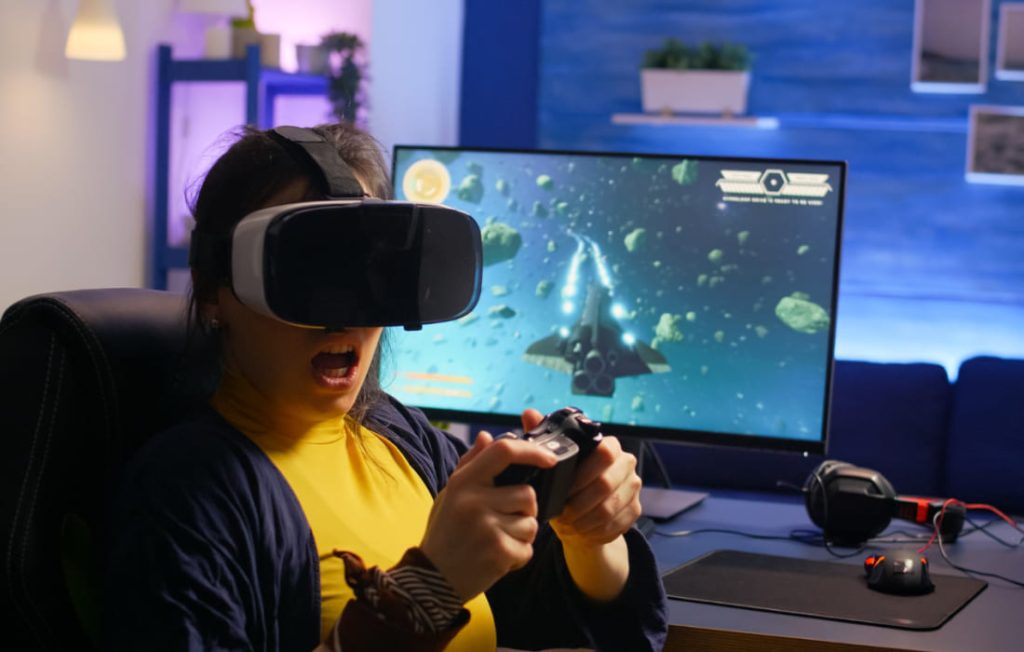
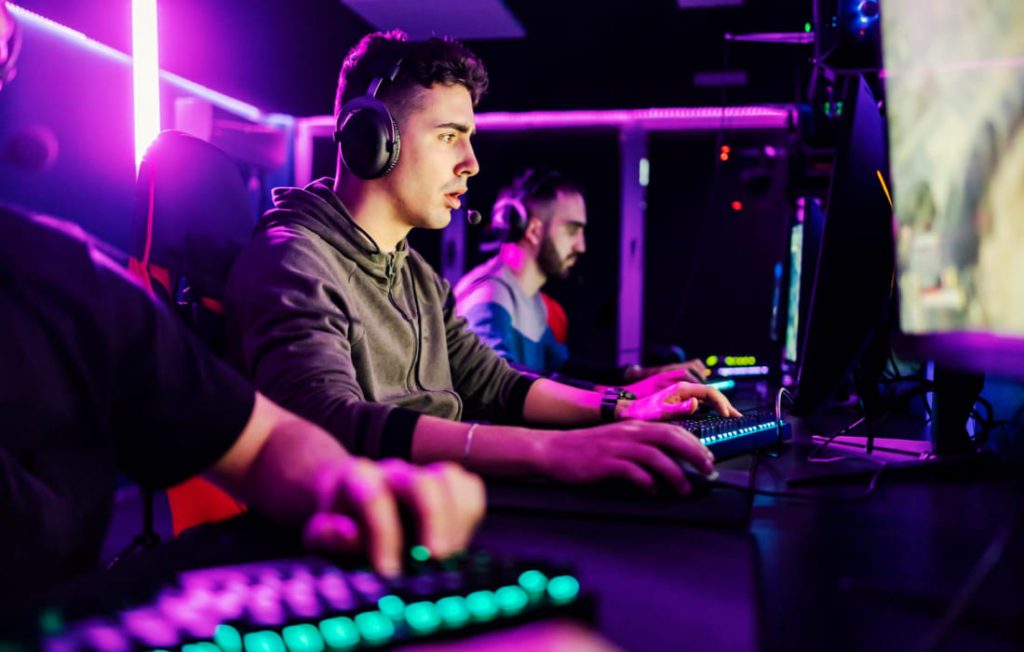
Here is how the GPU actually shapes your gaming experience.
1. Frame Rates (FPS) and Smoothness
The most direct impact of a GPU is on your Frames Per Second (FPS). A frame is a single still image; your GPU’s job is to render these images so fast that they appear as fluid motion.
- Competitive Gaming: In titles like Valorant or Counter-Strike 3, a high-end GPU allows for 360+ FPS. This reduces “input lag,” meaning the time between you moving your mouse and seeing the action on screen is near-zero.
- The “1% Lows”: A powerful card doesn’t just give you a high average FPS; it prevents “stuttering.” It ensures that even during massive explosions or complex scenes, the frame rate doesn’t dip, keeping the experience buttery smooth.
2. Resolution: From 1080p to 8K
Resolution refers to the number of pixels the GPU has to “paint.” As you move up in resolution, the workload increases exponentially.
| Resolution | Total Pixels | GPU Load |
| 1080p (FHD) | ~2 Million | Baseline |
| 1440p (QHD) | ~3.7 Million | Moderate |
| 4K (UHD) | ~8.3 Million | High |
| 8K | ~33 Million | Extreme |
Running a modern game at 4K requires a massive amount of VRAM (Video RAM). If your GPU doesn’t have enough VRAM, you’ll experience “texture popping” or crashes as the card struggles to store all the high-resolution assets.
3. The Magic of Ray Tracing and Realism
In the past, games used “rasterization”—a fancy way of faking light and shadows. Today, high-end cards use Hardware-Accelerated Ray Tracing.
This technology simulates the physical behavior of light. It calculates how light bounces off a puddle, refracts through glass, or casts soft shadows in a forest. It makes games look less like “video games” and more like “interactive movies.” However, ray tracing is incredibly “expensive” in terms of processing power; without a dedicated GPU with Ray Tracing cores, your frame rate will plummet.
4. AI-Upscaling: Doing More with Less
One of the coolest shifts in 2026 is that GPUs are getting “smarter” rather than just “faster.” Technologies like DLSS (Deep Learning Super Sampling) and FSR use AI to boost performance.
Essentially, the GPU renders the game at a lower, “easier” resolution (like 1080p) and then uses AI to “guess” what the 4K version should look like. This allows you to get high-tier performance out of mid-range hardware.
5. Thermal Throttling and Longevity
Performance isn’t just about raw power; it’s about consistency. A high-quality GPU with a robust cooling system can maintain its “Boost Clock” for hours. Cheaper cards with poor fans will eventually get too hot and slow themselves down—a process called thermal throttling.
If you notice your game starts fast but gets laggy after 30 minutes, your GPU cooling is likely the culprit.
The Verdict: How Much Do You Need?
- The Casual Gamer: A mid-range card is perfect for 1080p/1440p gaming with AI-upscaling enabled.
- The Pro/Streamer: You need a high-end card with high VRAM to handle simultaneous gaming and 4K encoding.
- The Enthusiast: If you want “Ultra” settings with Path Tracing at 4K, there is no substitute for a flagship card.